Useful Travel Apps for Paris
Essential travel apps for paris: navigation, dining, transportation, translation, and useful apps.
Essential Apps for Travelers Visiting Paris
Paris, the City of Light, is a dream destination for many travelers. To make your trip smooth and enjoyable, leveraging technology can be incredibly useful. Below is a comprehensive guide to essential apps that will help you navigate the city, find dining options, communicate, and manage your trip effectively.
Navigation Apps
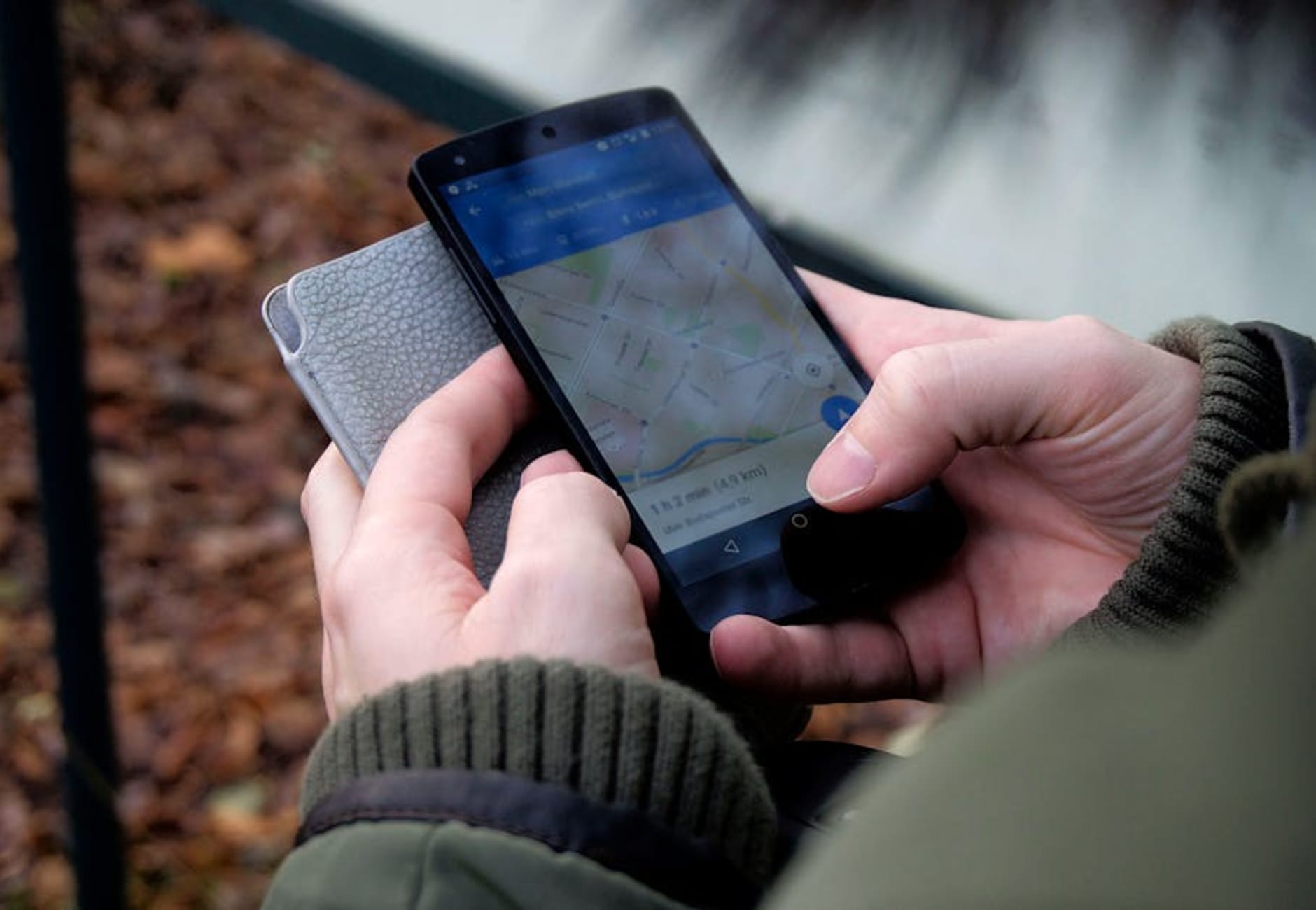
Google Maps
- Primary Use: Provides directions for walking, driving, and public transport.
- Unique Features: Includes satellite imagery, real-time traffic updates, and user-generated reviews for places.
- Offline Use: Yes, you can download offline maps for use without an internet connection.
- Cost: Free.
Citymapper
- Primary Use: Tailored for public transportation in major cities, including Paris.
- Unique Features: Offers detailed routes for the metro, bus, tram, and even walking. It can also provide estimated journey times and disruptions.
- Offline Use: Some features are available offline, but it’s best to stay connected for real-time updates.
- Cost: Free.
RATP (Régie Autonome des Transports Parisiens)
- Primary Use: Official app for Paris public transport information.
- Unique Features: Provides schedules, maps, and real-time updates for the metro, RER trains, trams, and buses.
- Offline Use: Allows access to maps offline.
- Cost: Free.
Transportation Apps
Uber
- Primary Use: Ride-sharing service for convenient transport around Paris.
- Unique Features: Offers various vehicle types, including UberX and Uber Comfort. You can also split fares with friends.
- Offline Use: Requires internet for booking rides.
- Cost: Variable; fares depend on distance and demand.
Bolt
- Primary Use: Another ride-sharing option that may be cheaper than Uber.
- Unique Features: Often has lower service fees and promotional discounts.
- Offline Use: Requires internet to book.
- Cost: Variable; generally cheaper than Uber.
Restaurant/Dining Apps
Yelp
- Primary Use: Find restaurants, cafés, and bars based on user reviews.
- Unique Features: Offers photos, menus, and reservations. You can filter by cuisine, price, and distance.
- Offline Use: Limited; some local information may be available offline after loading.
- Cost: Free.
TheFork (LaFourchette)
- Primary Use: Restaurant reservation app popular in France.
- Unique Features: Allows you to book tables and often offers discounts on dining.
- Offline Use: Some features are accessible offline.
- Cost: Free.
Language Translation Tools
Google Translate
- Primary Use: Translate text and spoken language in real-time.
- Unique Features: Includes camera translation for menus and signs, and offline translation for downloaded languages.
- Offline Use: Yes, if you download the language pack.
- Cost: Free.
iTranslate
- Primary Use: Language translation and dictionary.
- Unique Features: Voice conversation feature for instant translation during conversations.
- Offline Use: Limited features available offline; premium version offers more.
- Cost: Free with premium options starting at $39.99/year.
Currency Conversion
XE Currency
- Primary Use: Real-time currency conversion.
- Unique Features: Provides historical data and alerts for rate changes.
- Offline Use: Yes, can store the last updated rates.
- Cost: Free.
Revolut
- Primary Use: Multi-currency banking app ideal for travelers.
- Unique Features: Offers great exchange rates and no foreign transaction fees. You can hold money in multiple currencies and exchange at interbank rates.
- Offline Use: Requires internet for most functions.
- Cost: Free for basic use; premium features available through subscription.
Hotel Booking Apps
Booking.com
- Primary Use: Hotel reservations and alternative accommodations.
- Unique Features: Extensive listings with user reviews; many properties offer free cancellation.
- Offline Use: Yes, you can view your bookings offline.
- Cost: Free to use; charges apply for bookings.
Airbnb
- Primary Use: Book unique accommodations like apartments and homes.
- Unique Features: Offers local experiences and the chance to stay in more residential areas.
- Offline Use: Yes, you can access bookings offline.
- Cost: Free to download; service fees apply to bookings.
Emergency Apps
SafeTrek
- Primary Use: Personal safety app that alerts authorities when you’re in danger.
- Unique Features: You can hold a button while walking alone, and if you release it without entering your PIN, it contacts the police.
- Offline Use: Requires internet for full functionality.
- Cost: $2.99/month.
Red Cross First Aid
- Primary Use: Provides first aid information and emergency tips.
- Unique Features: Step-by-step instructions for various medical emergencies.
- Offline Use: Yes, once downloaded.
- Cost: Free.
Tips for Downloading Apps Before Arrival
- Check Compatibility: Ensure the apps you choose are compatible with your phone’s operating system (iOS or Android).
- Download on Wi-Fi: Download apps while connected to Wi-Fi to avoid data charges.
- Preload Maps: If you plan to use Google Maps or Citymapper, preload maps of Paris for offline use.
- Create Accounts: Set up accounts for services like Uber or Airbnb before you arrive to save time.
Staying Connected in Paris
- Local SIM Cards: Consider purchasing a local SIM card upon arrival for easy and cost-effective data access. Look for options from providers like Orange or SFR.
- Pocket Wi-Fi: Renting a pocket Wi-Fi device can keep you connected throughout your stay, especially if you are traveling with a group.
- Free Wi-Fi: Many cafés and public places offer free Wi-Fi. Just ask for the password when you enter.
With these essential apps and tips, your Parisian adventure will be more enjoyable and stress-free. Happy travels!